
Pluxee login
How to access Pluxee products and benefits.
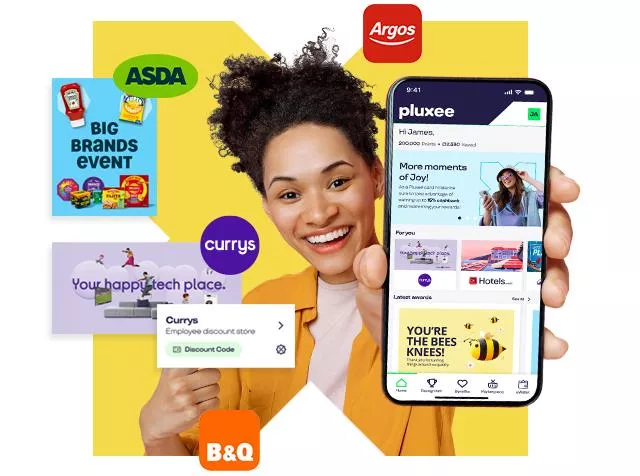
Pluxee access is provided by your employer
You’ll receive an invite from your organisation with instructions on how to get started. If you haven’t received access yet, please contact your HR or People Team.
- Your employer enables Pluxee for your organisation
- You receive an invite email from your HR or People team
- Open the app and follow the activation steps in the invite
Still need help?
If you already have an account, please log in via the Pluxee platform provided by your employer. If you’re unable to access your account or haven’t activated it yet, check with your HR team first. If you still need support, get in touch using the form below.
Login FAQs
I can't find my login details. What should I do?
Your login details are provided by your employer. Check your email for an invitation or contact your HR or People team.
I haven't received an invitation email. What should I do?
Please speak to your HR or People team first to confirm Pluxee has been enabled for your organisation.
Can I create my own Pluxee account?
No. Access is provided through your employer and requires an invitation.
I've forgotten my password, what should I do?
Use the password reset option on the Pluxee login screen for your product. If you do not have the login screen, please contact your HR team.
My account isn't working. Who should I contact?
Contact your HR or People team first. If the issue remains unresolved, submit the support form on this page.